

Upload target video
Upload face photo
Upload a target video and the face photo to swap in
AI Face Swap — Replace Faces in Videos Online
Upload a video and a face photo, AI precisely swaps the face in every frame while keeping the movement and background completely unchanged.
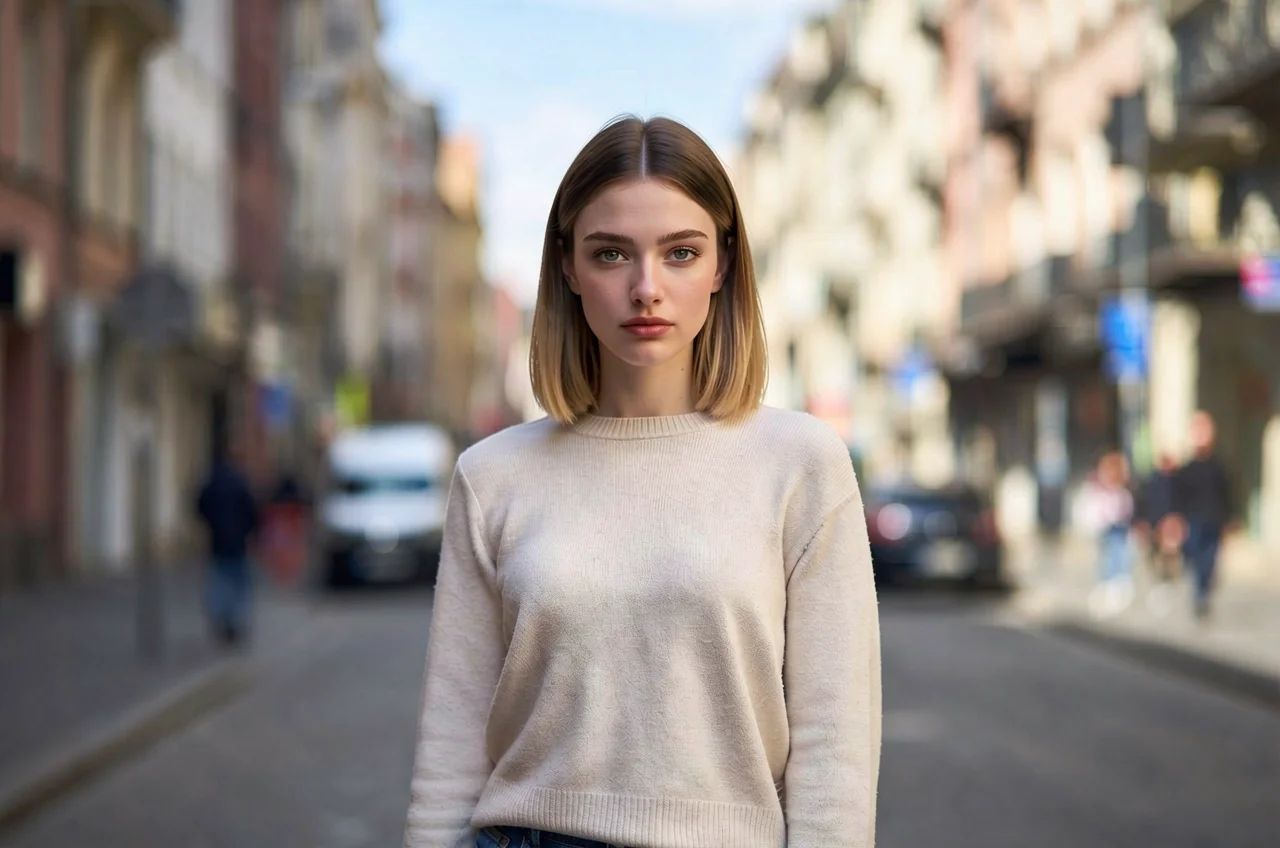
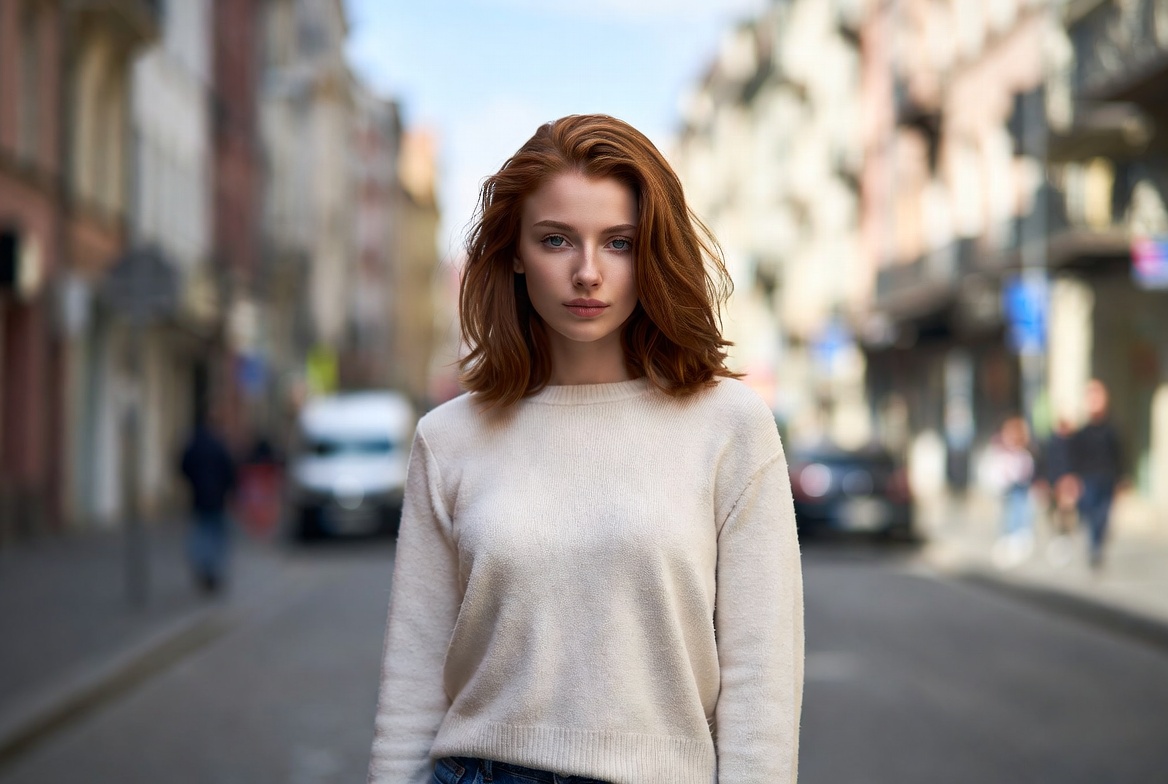
What Can AI Face Swap Do
Only the face is replaced — movement and background stay exactly as they are.
Only the Face Is Replaced — Motion Stays the Same
AI changes only the face in your video, keeping the body movement, clothing, and background exactly as in the original clip. You can pair the same video with different face photos and generate repeatedly to compare and pick your favorite.
Try for Free
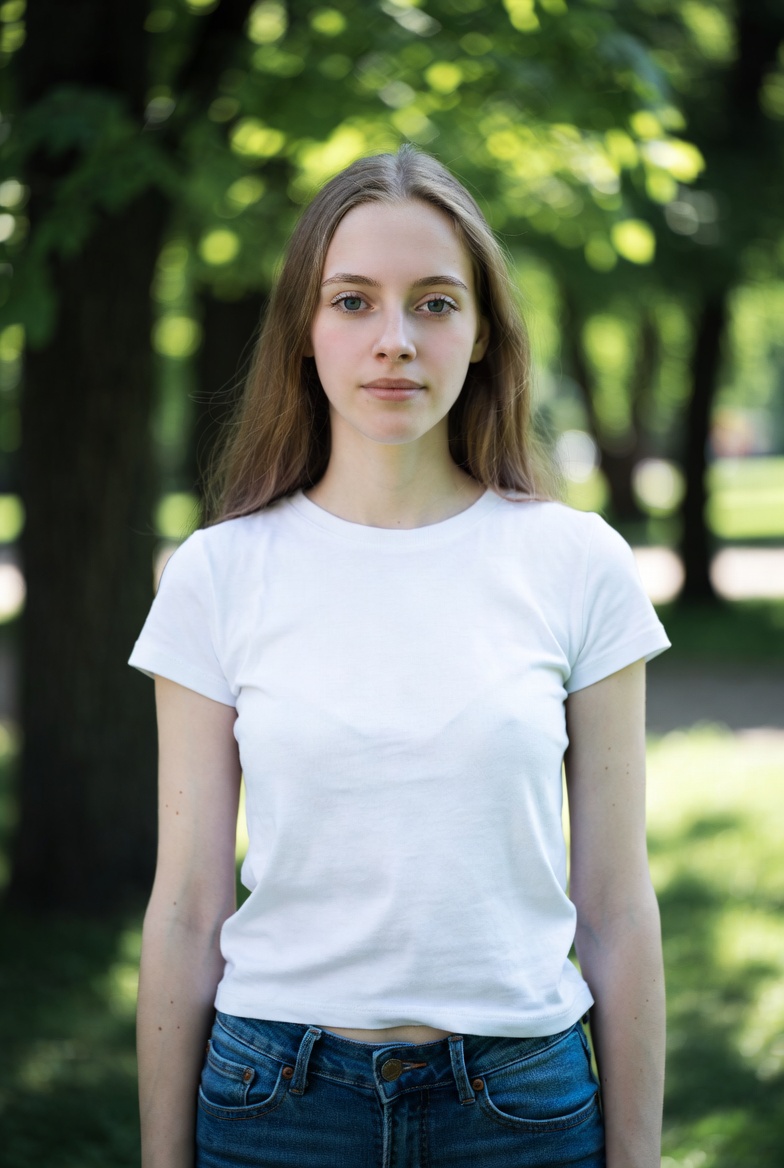
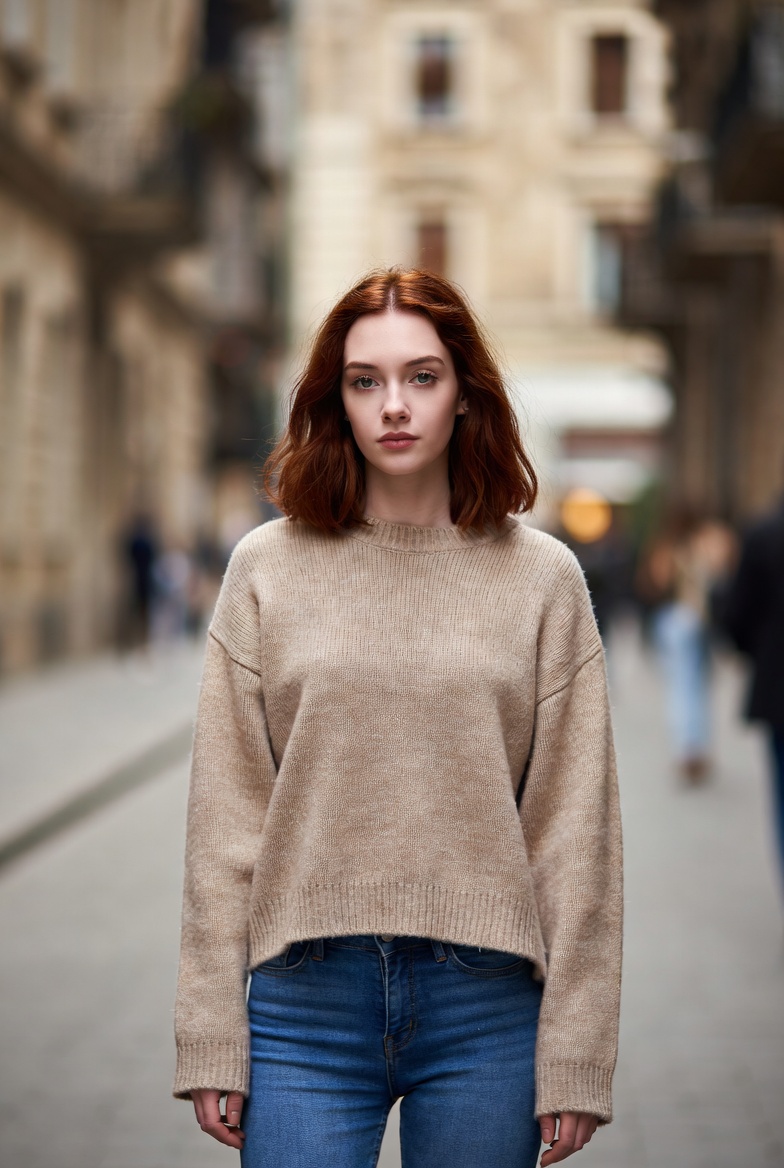
Skin Tone and Lighting Aligned Automatically
The new face is readjusted to the lighting direction and skin tone of the video, frame by frame, so brightness and color stay consistent and no pasted-on seam appears. Angles such as a profile or a lowered head are matched as the person moves.
Try for Free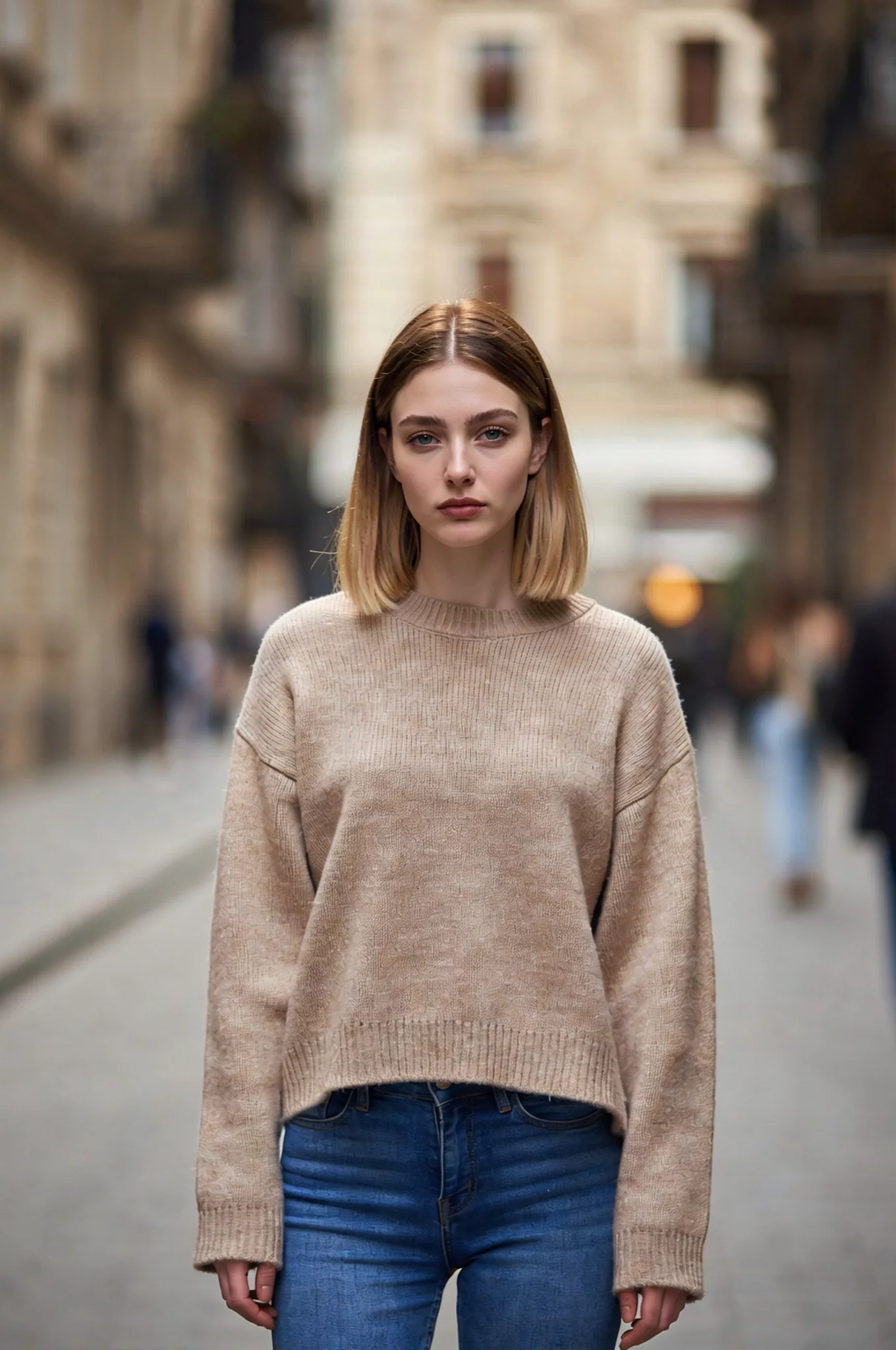
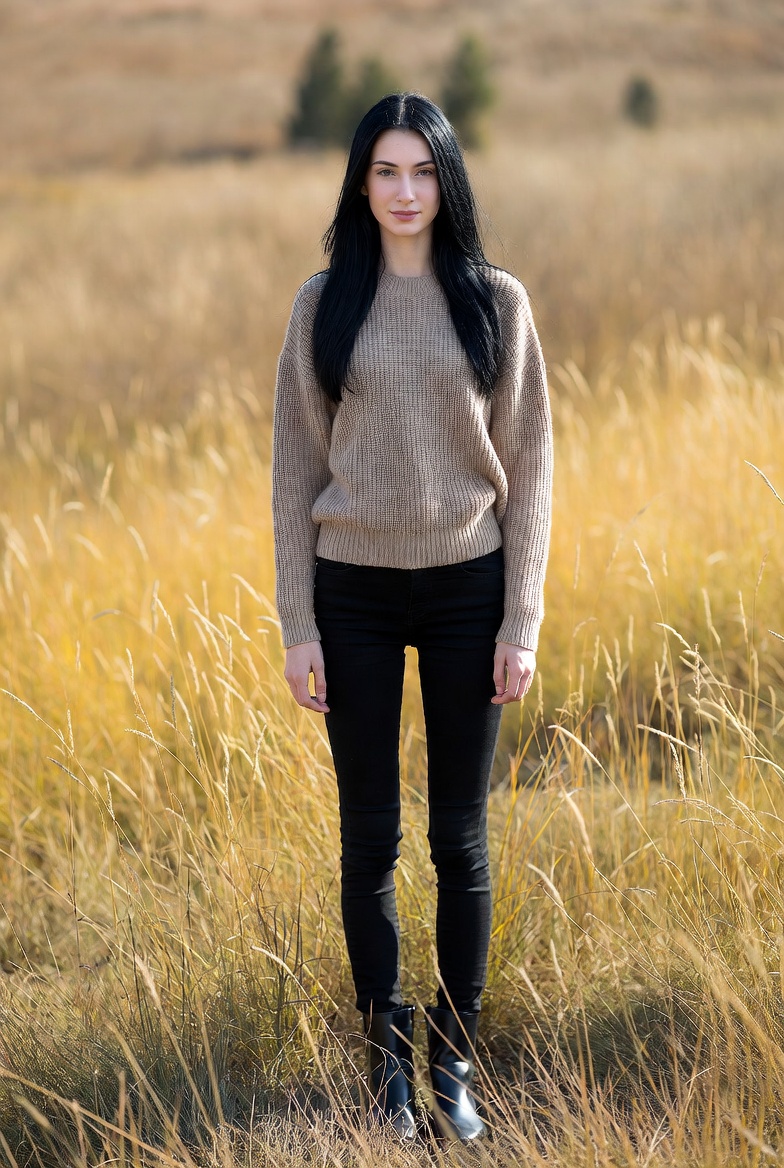
Face Swap for Various Scenarios
Full-body and half-body clips and other compositions are supported, up to 15 seconds long. Results are best with a clear, well-lit video and a clear front-facing face photo. Creative avatars and cosplay all work right away.
Try for Free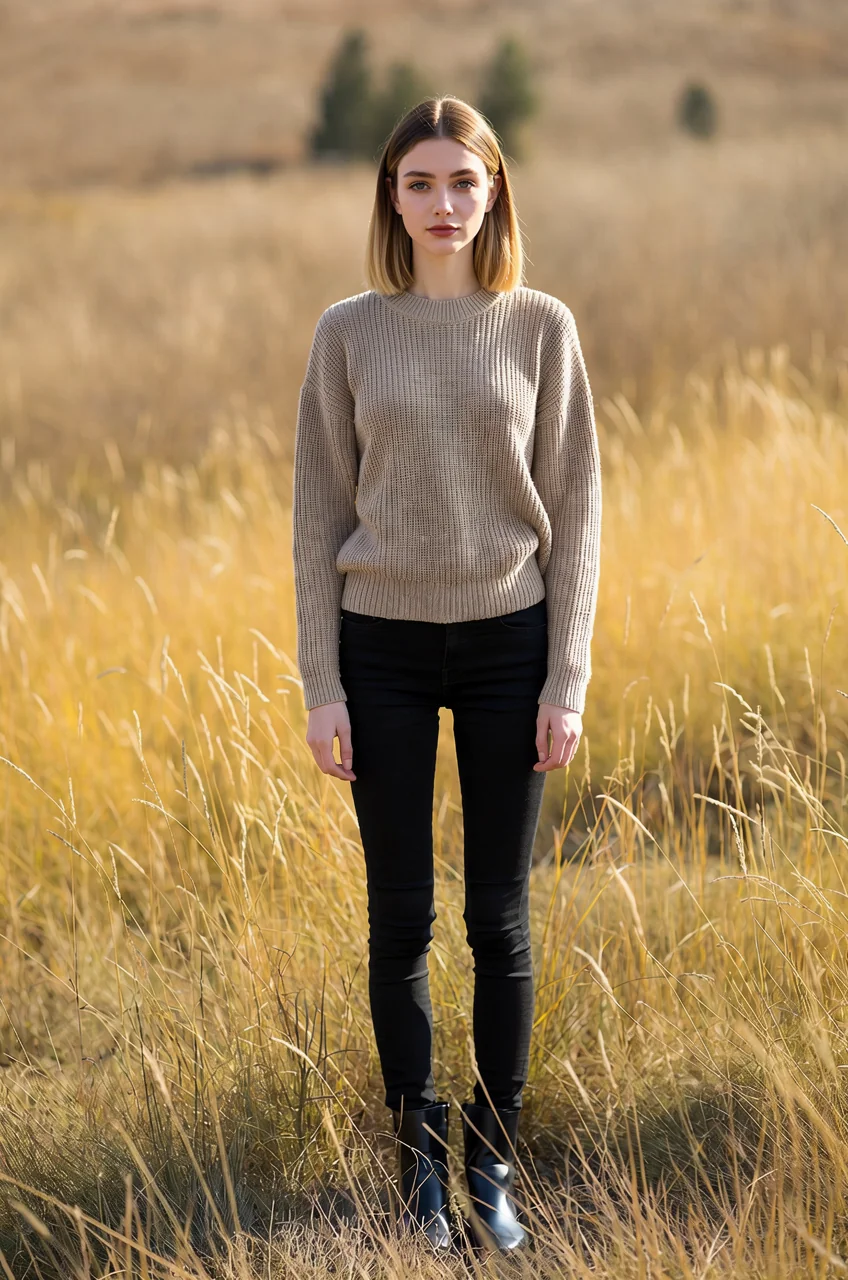
AI Face Swap in 3 Steps
Upload target video
Upload the video you want to put a face into — MP4 / WEBM / MOV, up to 15 seconds.
Upload face photo
Upload a clear photo of the face you want to swap in.
AI Auto Face Swap
Click generate, AI swaps the face in every frame while keeping the movement, clothing, and background completely unchanged.
Frequently Asked Questions
Ready to use the AI face swap tool
Swap a face into your video in a few minutes.
Try for Free